Installing Bora vents in a Golf
This guide will show you how to install the illuminated lay-flat vents from a MK4 Bora in a MK4 Golf.
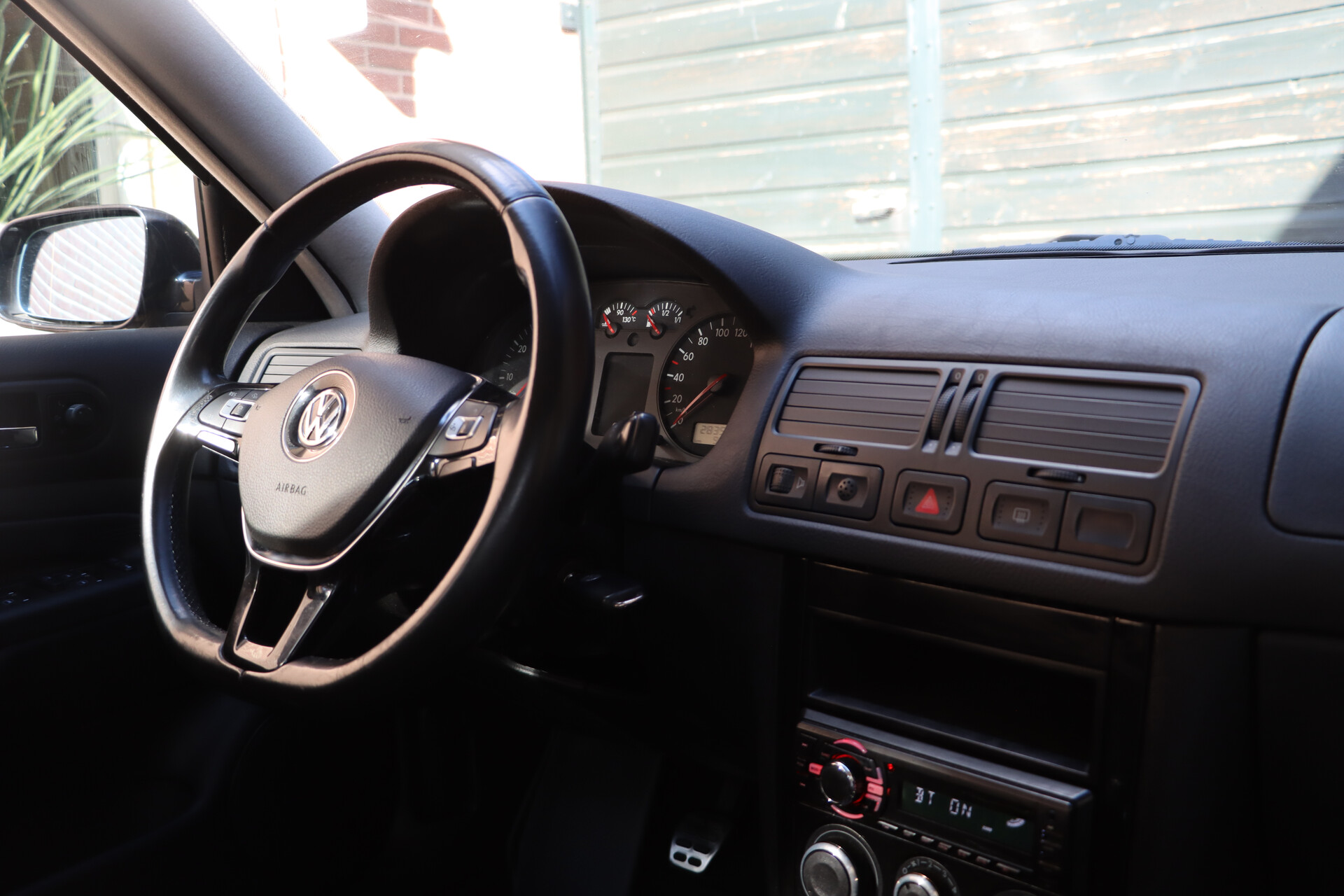
Introduction
Working principle
The Golf vents can be swapped out for the Bora vents without modification of the dashboard. Some "vent frames" from the Bora are needed for the driver side and center vents to ensure they work properly, although some people argue that they are not needed. The wiring for the lights will be connected to the dashboard illumination signal.
Required parts
- Driver vent (1J2 819 704 D)
- Center vents (1J2 819 728 D)
- Passenger vent (1J2 819 703 D)
- Driver side vent frame (1J2 819 186 A)
- Center vent frame (1J2 819 197 A)
- 0.5 mm2 wire
- Insulation tape
Required tools
- Trim removal tool
- Soldering iron + solder
- T15 Torx Screw driver
Installation
Removing the old vents
- Remove the individual vents from the drivers side and center, by pushing them to one side and out using a trim removal tool.
- Remove the light switch, by pushing it in turning it to the right, and pulling it out.
- Disconnect the light switch connector.
- Remove the dimmer switch by pushing it from the back.
- Disconnect the dimmer switch connector.
- Use the dial to close the vents so the screws don't fall in
- Remove the two T15 Torx screws from the center vents
- Remove the two T15 Torx screws from the driver side vent.
- Pull out the vents, you might need to wiggle them a bit or carefully use a pry tool along the edges.
- Unplug the connectors of the switches in the center vents.
- Remove the switches and caps by pushing them from the back.
Installing the new vents
- Screw in the brackets for the center and driver side Bora vents using the four T15 torx screws.
- Make the following wire connections
- Driver side gray/blue wire -> Dimmer switch gray/blue wire.
- Driver side brown wire -> Dimmer switch brown wire.
- Center & passenger gray/blue wire -> Hazard light switch gray/blue wire.
- Center & passenger brown wire -> Hazard light switch brown wire.
- Insert the new vents, making sure you can reach all connectors.
- Reinstall all switches and buttons.